Drive Quest












.png "Geometry Dash Spam 3D")









.png "Basketball Superstars")
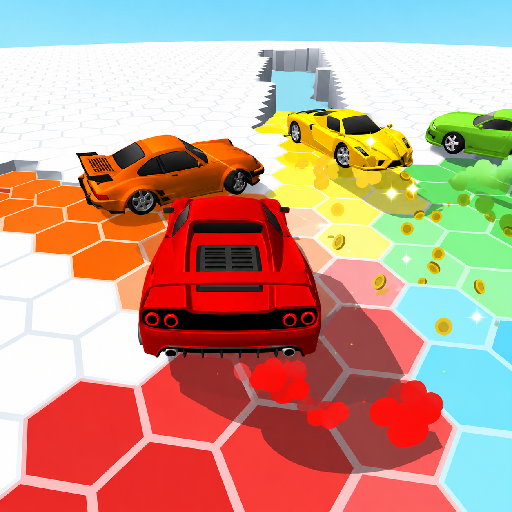

.png "Tunnel Rush")












.png "Geometry Dash iSpyWithMyLittleEye")








.png "Basket Ball Stars")

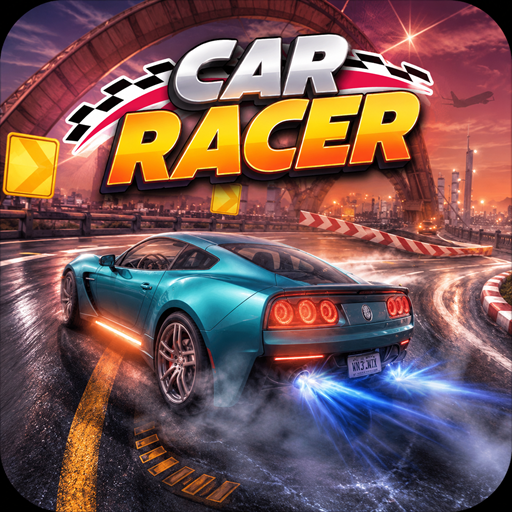



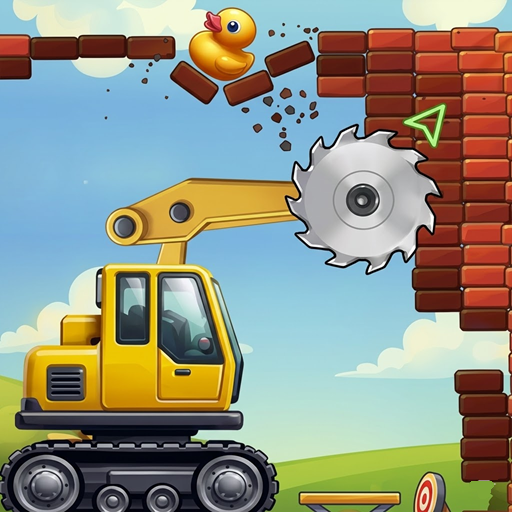
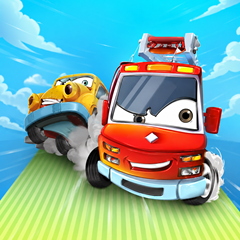
Play Drive Quest and experience thrilling driving challenges, open powerful cars. Complete exciting missions and master every road with precision.
Conquer every road and upgrade your dream vehicles
Enjoy exciting driving where players will navigate challenging roads filled with obstacles, steep hills, and sharp turns. Each level will test your driving precision, rewarding careful handling and smart upgrades.
Vehicles and Characters in the Game
Instead of controlling a single hero, you'll be the driver of a variety of vehicles. The game features many types of cars, trucks, and off-road vehicles, each with different speeds, handling, and durability. As you progress, you can open more powerful vehicles for more difficult challenges.
.png)
Embark on an adventure with this feature-rich car
How to Play Drive Quest
Controls and Movement
The controls are simple and beginner-friendly:
- Arrow keys or WASD: Drive forward or backward.
- Left or right key: Keep the vehicle balanced in the air.
- Spacebar: Brake or activate special functions.
Drive carefully, collect coins, avoid collisions, and reach the finish line before running out of fuel or damaging your car.
Number of Levels
- The game offers dozens of levels, with approximately 50-100 stages depending on the version.
- Each level introduces new terrain, longer distances, and more challenging obstacles.
- Completing levels will earn you coins, which can be used to buy better cars and upgrade performance.
Tips to Win Every Challenge in Drive Quest
Upgrade Your Car
Use coins wisely to improve:
- Engine Power
- Top Speed
- Tire Grip
- Suspension System
- Fuel Capacity
- Car Durability
Better upgrades will help you overcome difficult stages more easily.
Driving Skills
- Drive smoothly instead of constantly accelerating.
- Maintain balance while jumping to avoid flipping your vehicle, and collect as many coins as possible.
- Upgrade your favorite vehicle before unlocking a new one.